Head Recorder
Screen + Webcam, Recorded Together
Record your screen and your webcam at the same time, composited into a single video with your camera shown as a bubble — resized, repositioned, and mirrored the way you like. Recording and processing happen entirely on your Mac.

Available now on the Mac App Store
Screenshots
Key Features
Screen + Webcam, One Take
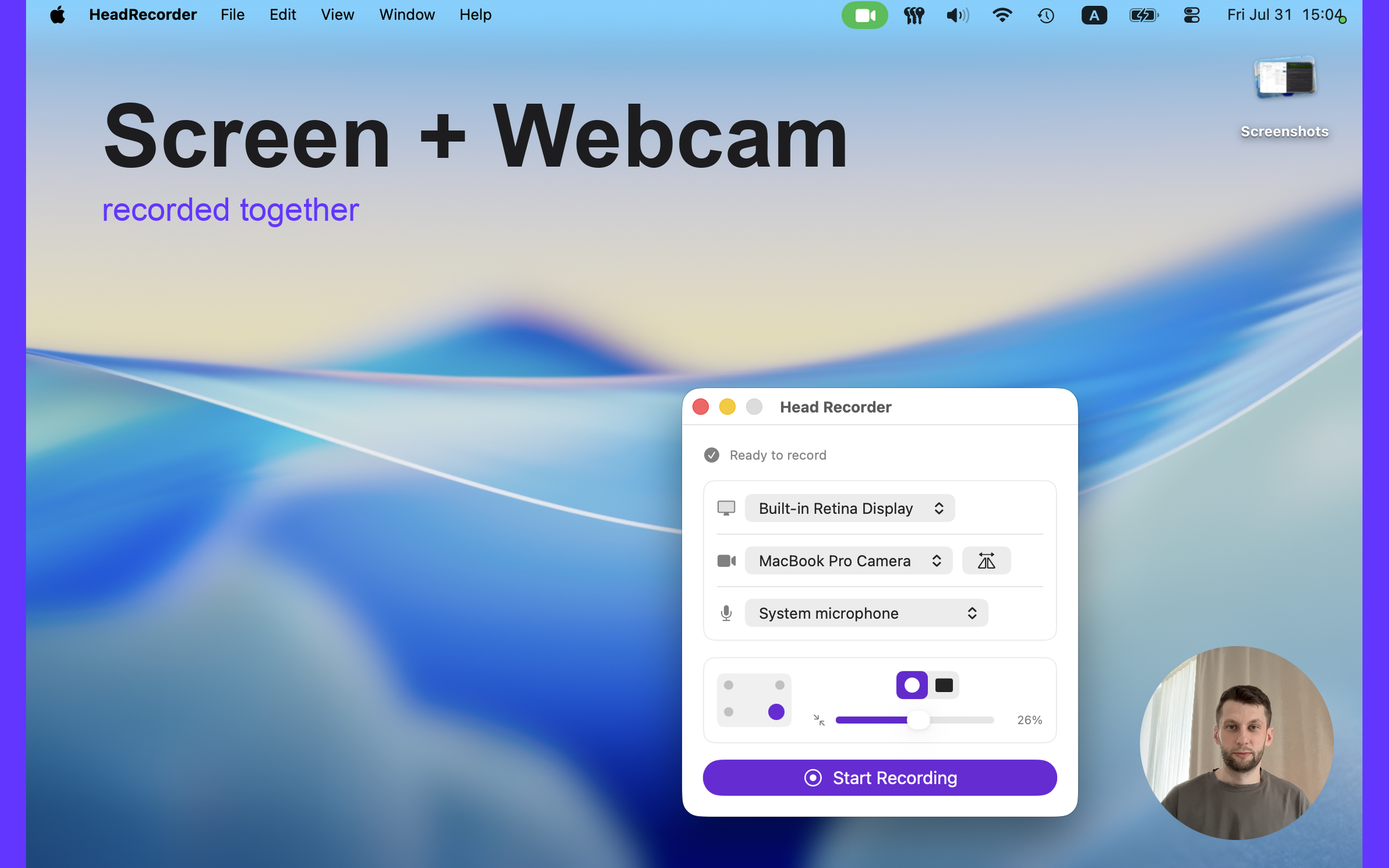
Record your display and your camera at the same time — Head Recorder composites them into a single video as you go.
Camera Bubble, Your Way
Drop the camera bubble in any corner and resize it to fit your recording.
Circle or Rectangle
Switch the camera bubble between a circle or rectangle to match your style.
Mirror Your Camera
Mirror the camera feed so it looks natural in the frame, on or off with one toggle.
Pick Your Sources
Choose which display, camera, and microphone to record from — or record with no microphone at all.
Private by Design
No accounts, no servers — recording and processing happen entirely on your Mac.